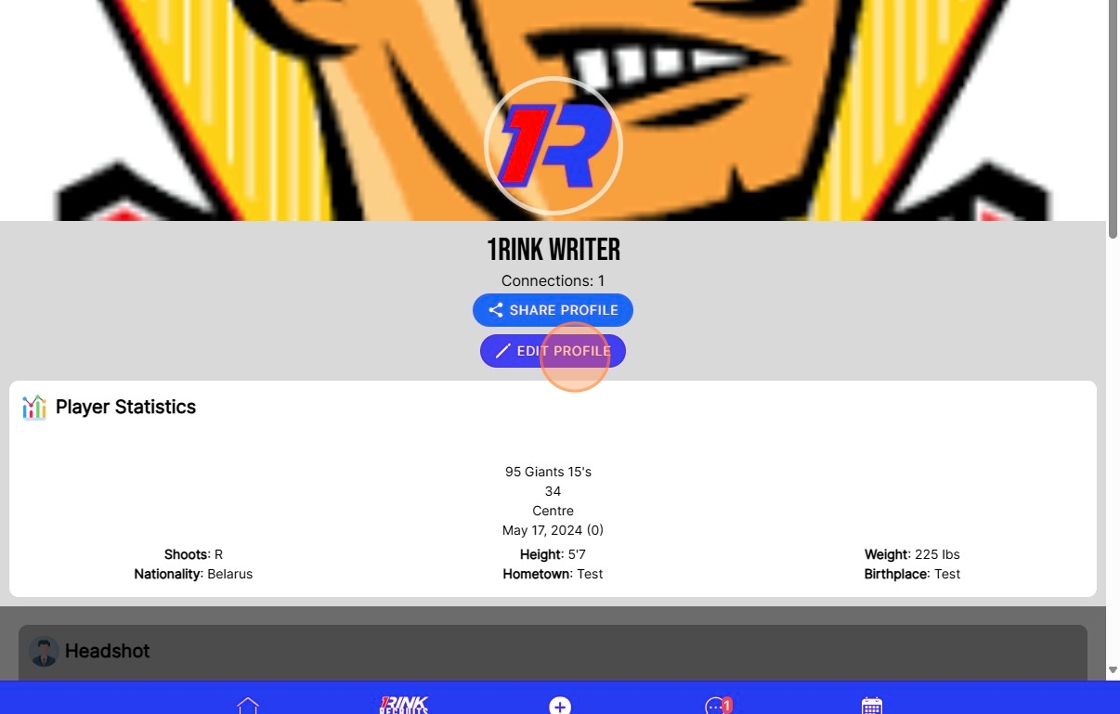
How To Edit Your Profile on 1Rink using a Companion Account
Introduction
Walkthrough
Step by Step
1. Navigate to https://app.1rink.com/#/home/companion-accounts

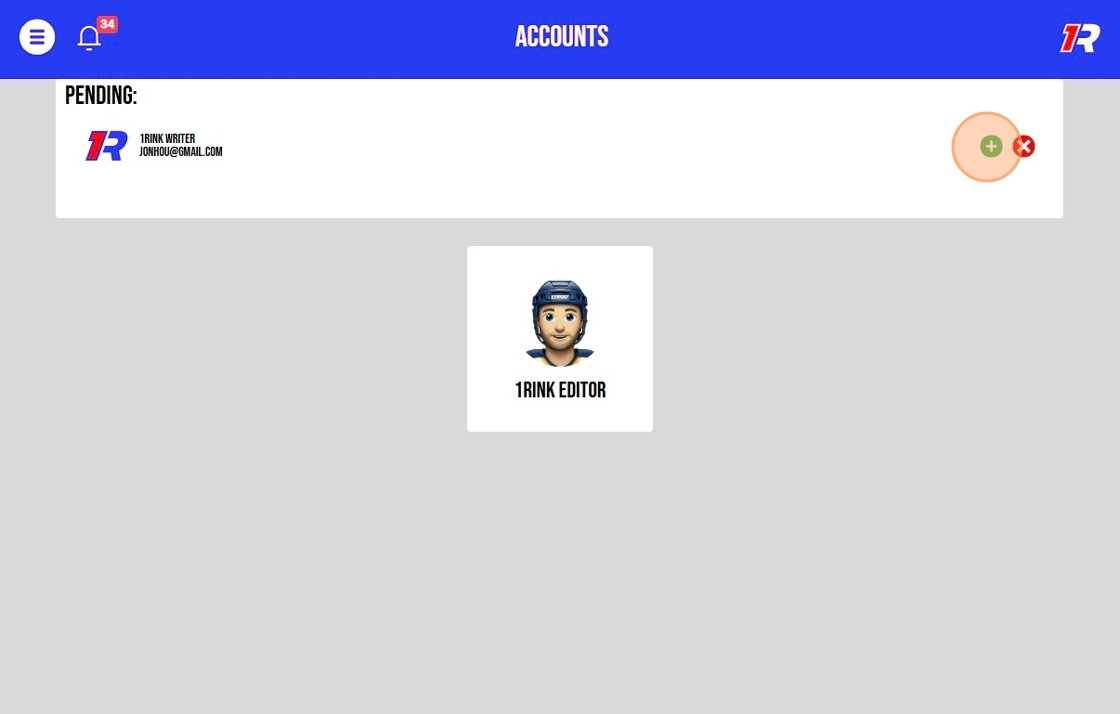
2. Click here to accept the Companion account request to manage the account.
3. Click the name of the account you want to manage.

4. You can post on behalf of this account.
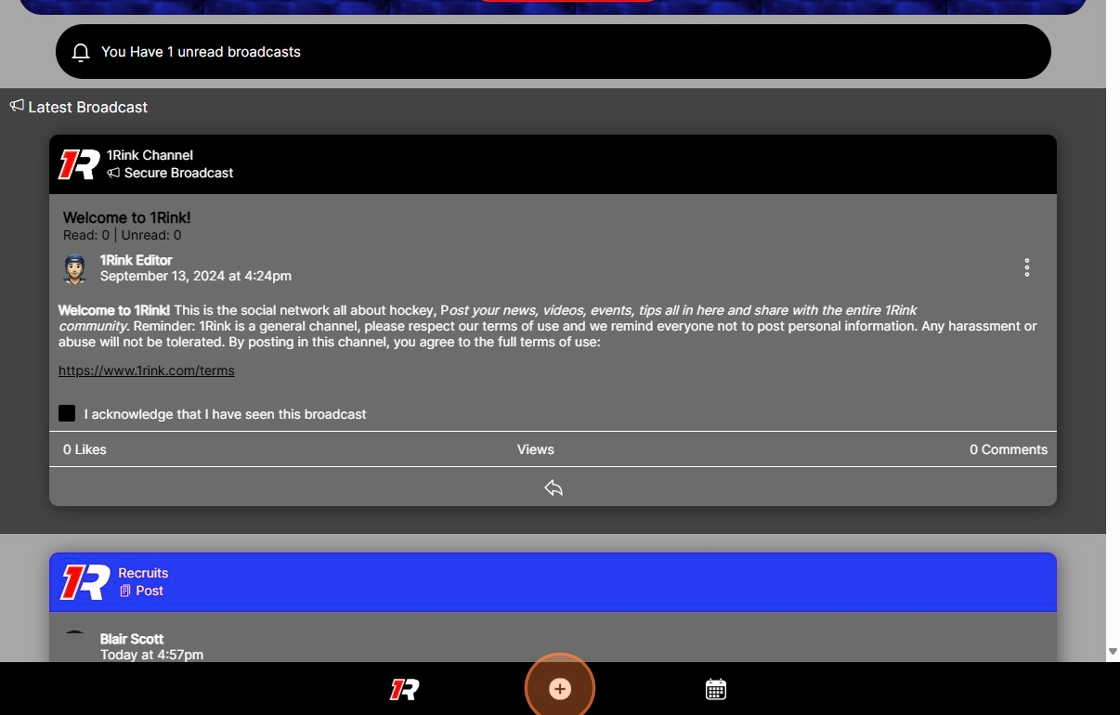
5. Click "Post" or "Game Log" to add posts on behalf of the player account you are managing. For example, these can videos, game information or content about the player.
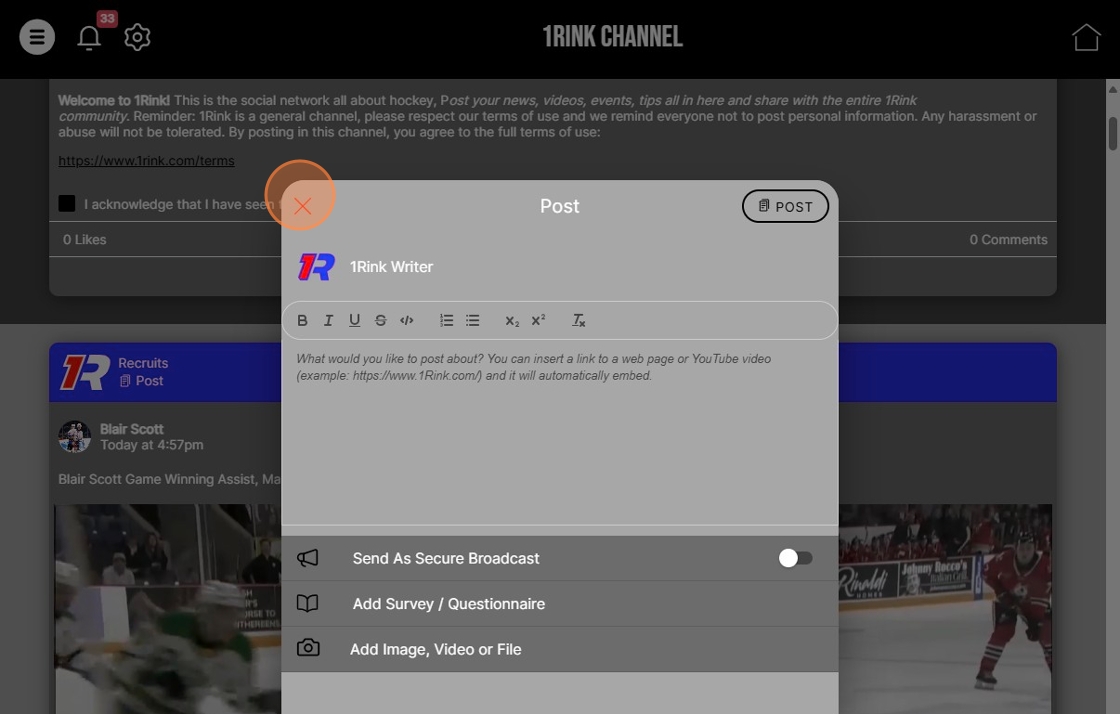
6. Click here.
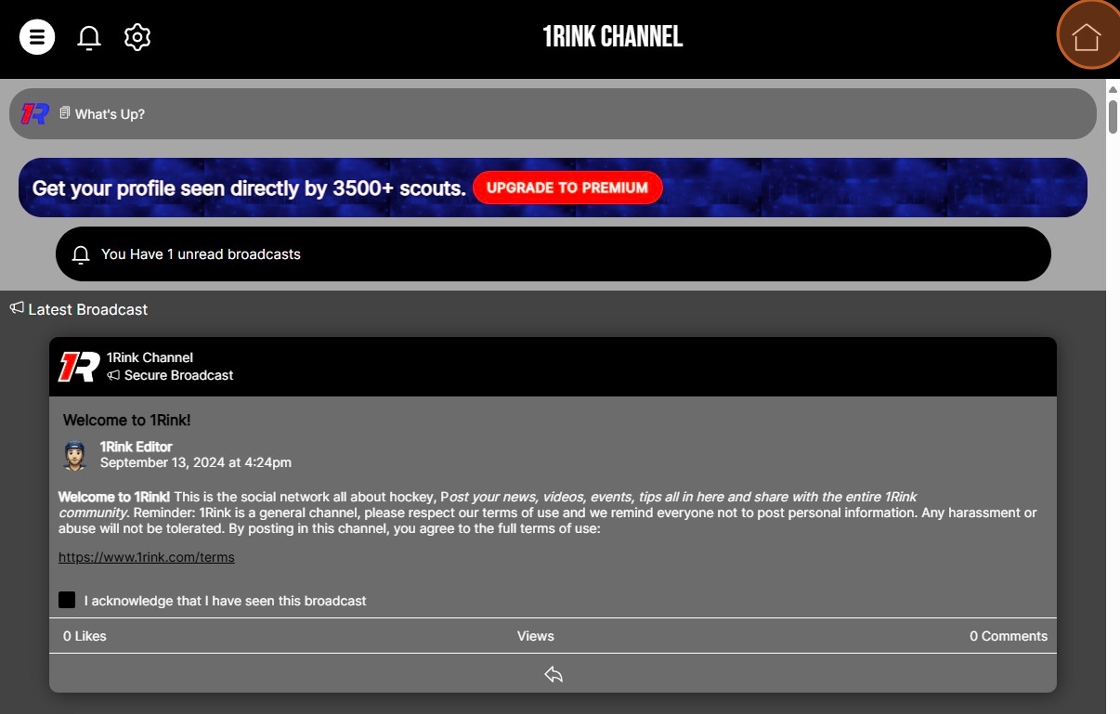
7. Click the profile image to view the player's profile.
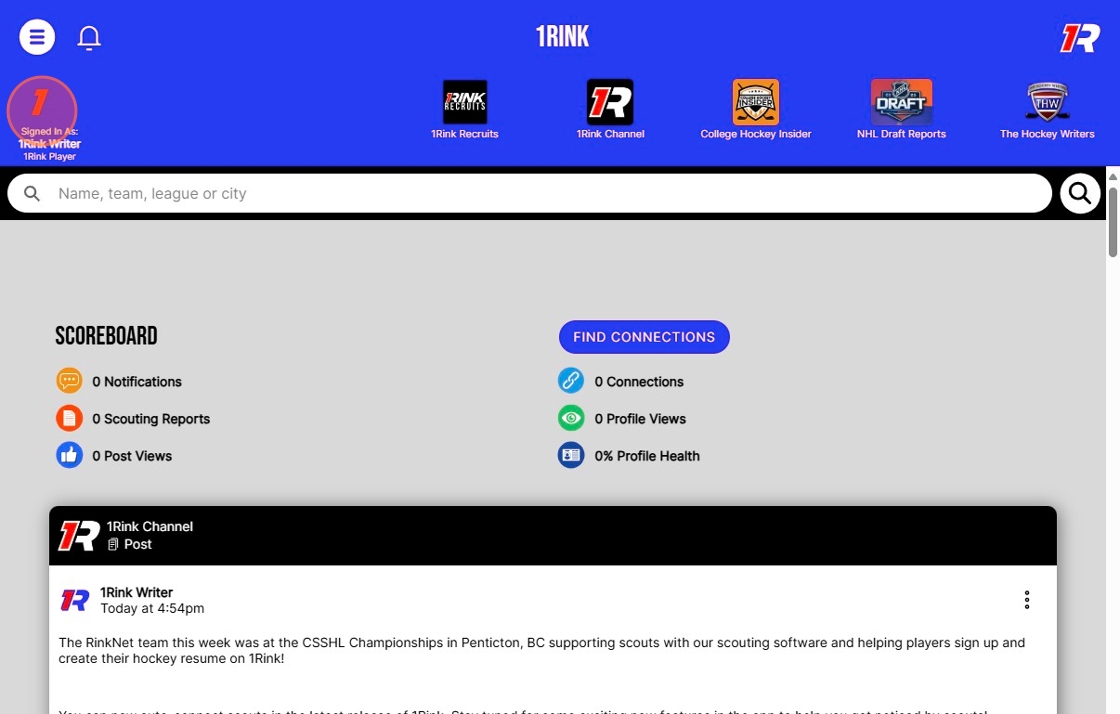
8. Click "Edit Profile" to edit the player's 1Rink profile where you can add content such as their "About", "Information", "Recruitment Preferences" or add more posts on behalf of the Player. You can also upgrade to Premium for this account to post premium content such as videos, documents, images to build up your player's hockey resume for scouts.