Add Companion Email in 1Rink Account Settings
Introduction
This guide provides a straightforward process for adding a companion email to your 1Rink account, enhancing your account management and collaboration features. By following the step-by-step instructions, users can easily invite others to share access, making it a valuable resource for those looking to optimize their 1Rink experience. Ensuring that you have companions linked can improve efficiency and support within the platform.
Walkthrough
Step by Step
1. Navigate to https://app.1rink.com/#/home/dashboard

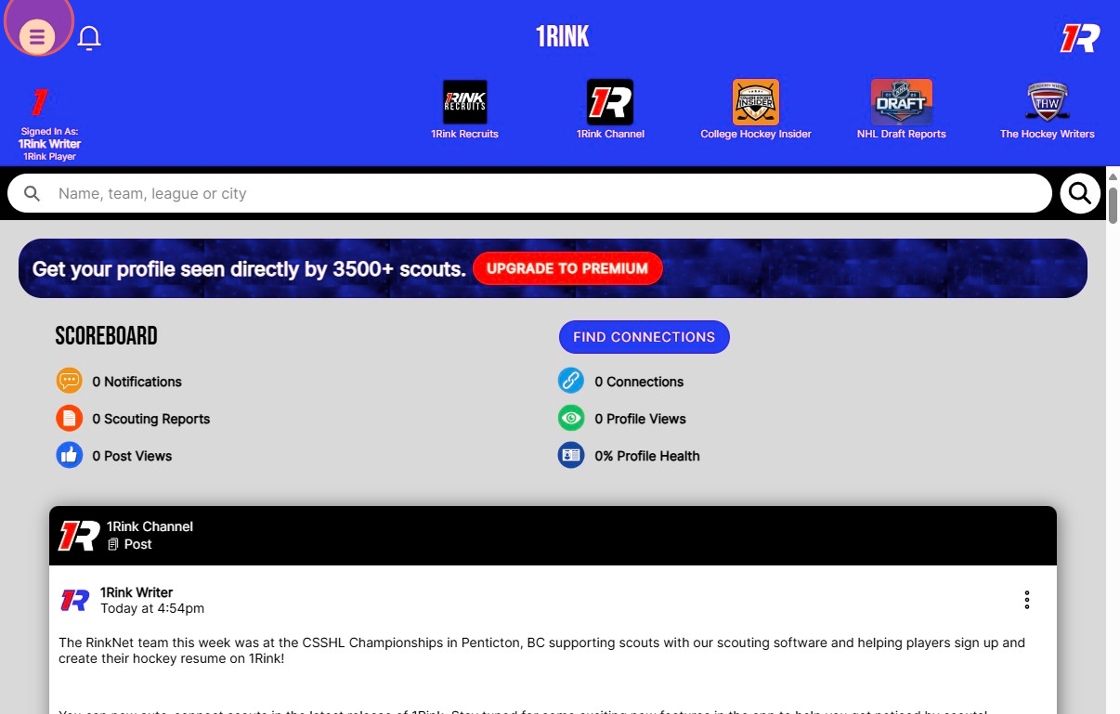
2. Click this image.
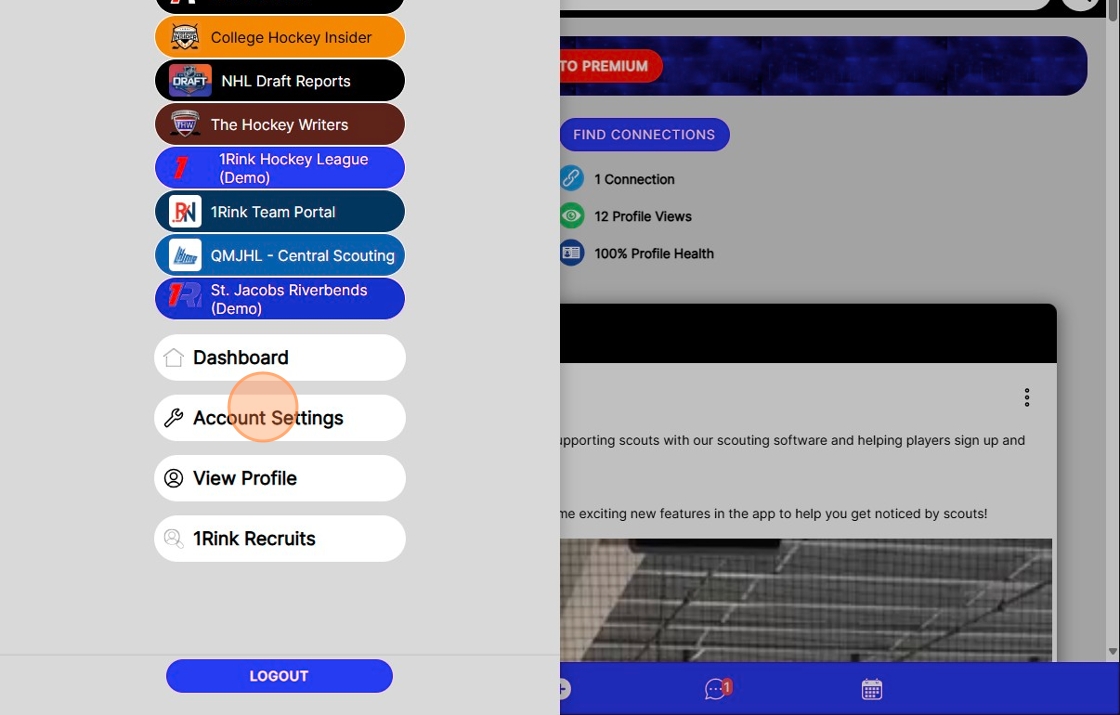
3. Click "Account Settings"
4. Click the "Companion 1Rink account e-mail" field.
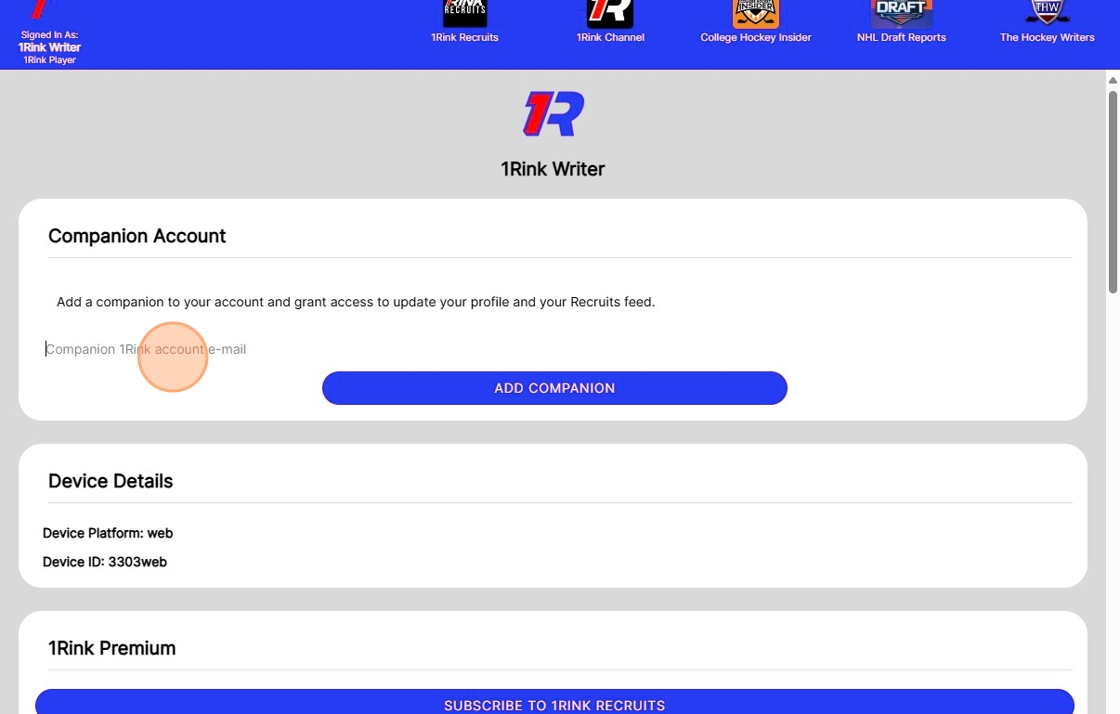
5. Type the email to add a as a Companion
6. Click "Add Companion"
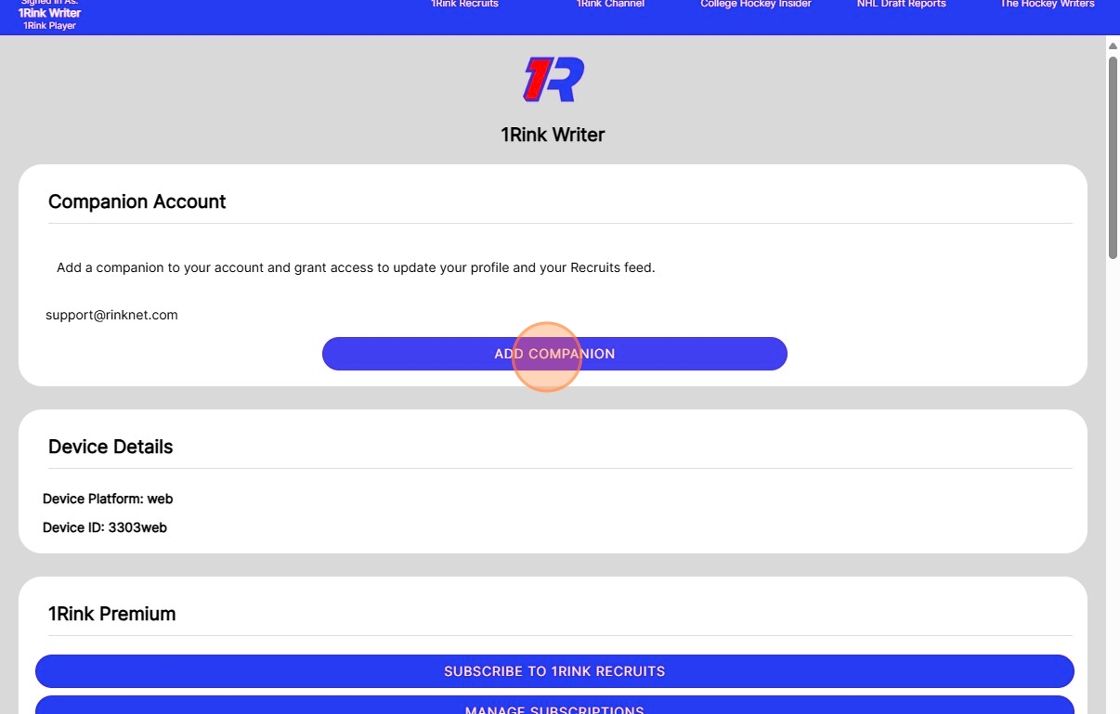
7. Click this text field.
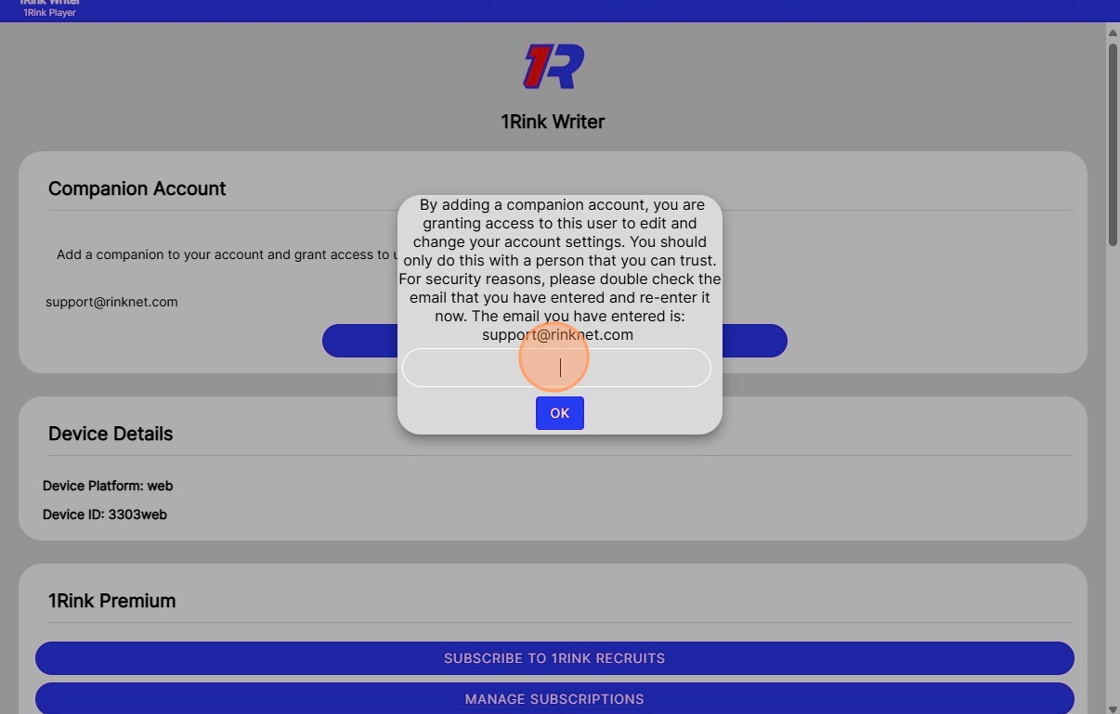
8. Type the same email you just entered to confirm
9. Click "Ok"
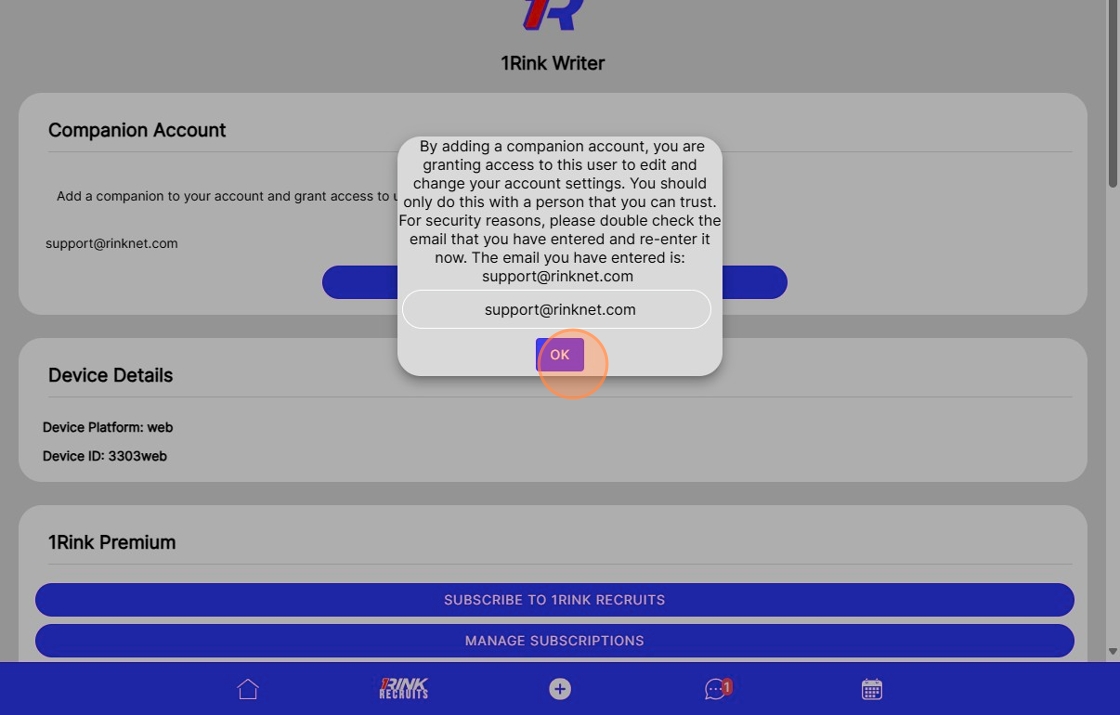
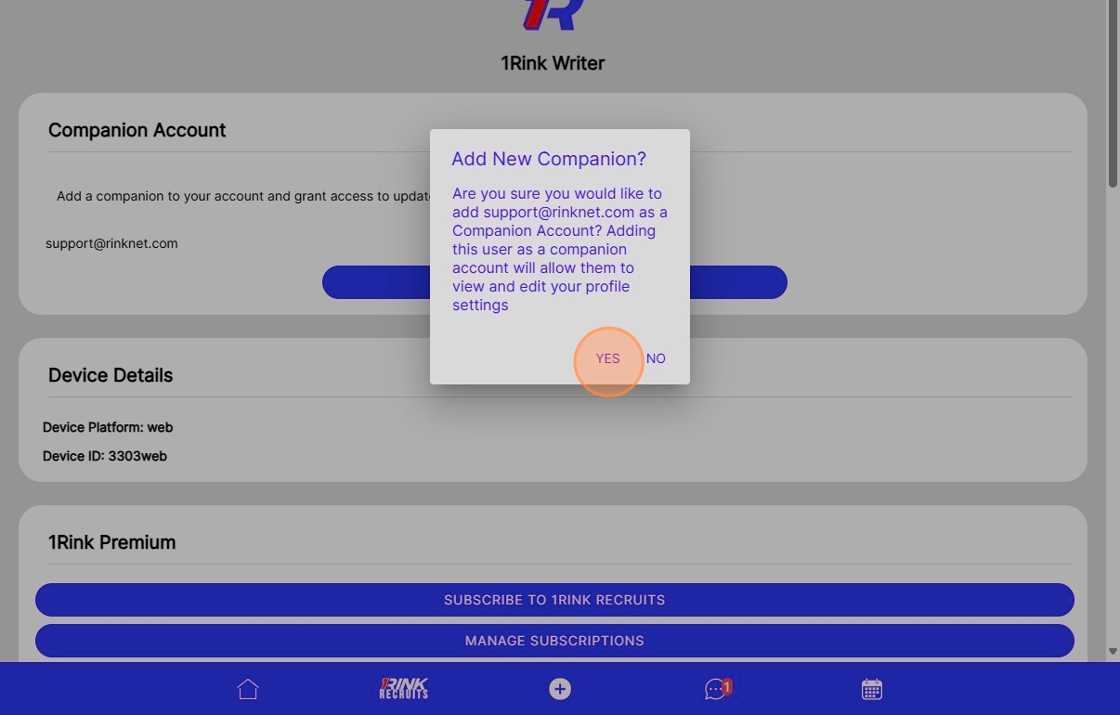
10. Click "Yes"